Learn more about the Dentsply Sirona Windows 11 Security Package to continue ensuring security and compatibility of your Dentsply Sirona devices.
Welcome to the Dentsply Sirona preferred partners page. Here you will find a number of assets for download in order to support you and answer questions that may arise. This page will be regularly updated, so you will always have access to the latest versions of the materials. We look forward to your partnership!
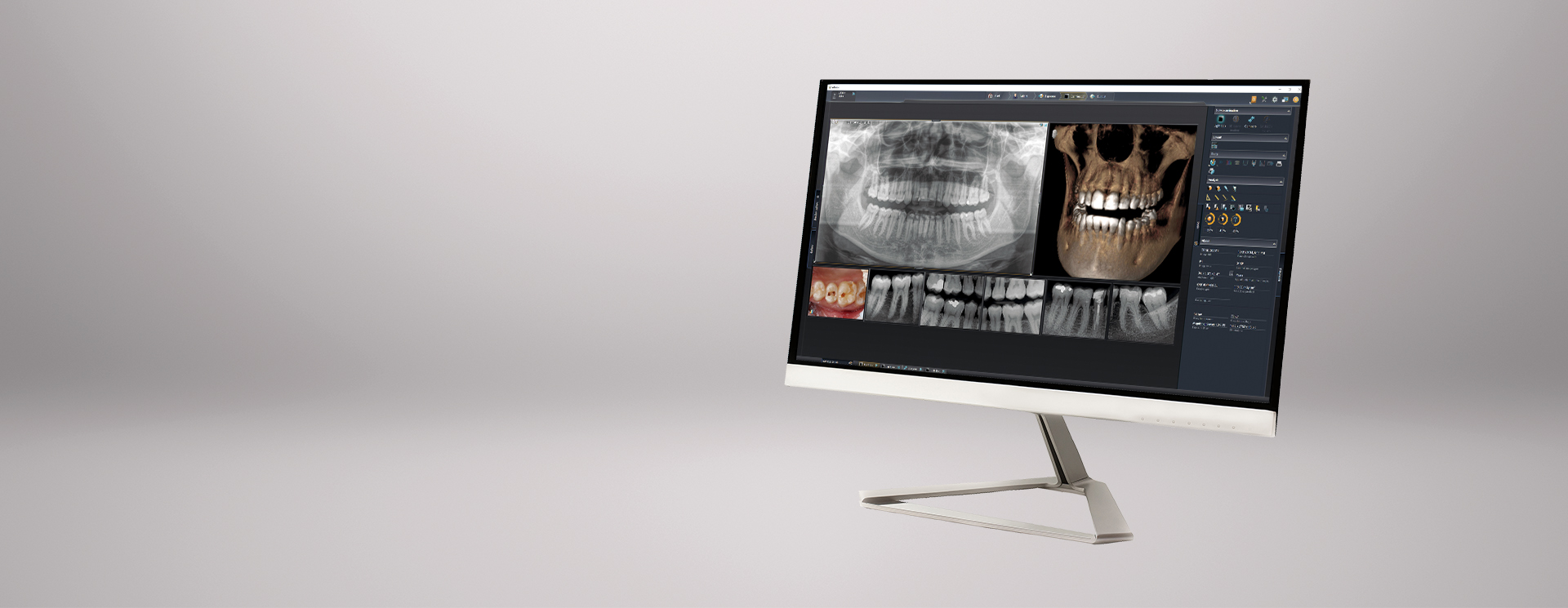
Connect your software with Sidexis 4
Advantages for the dentist
- All software connected via SLIDA can now communicate with Sidexis 4 e.g. by exchanging data.
- Saving time by sending x-ray orders to Sidexis 4, e. g. out of a practice management software
- Avoid multiple entries thanks to synchronized patient information, e.g. in connection with practice management software
- Receiving media copies in e. g. practice management software
Information for the software developer
The SLIDA package we have put together includes all the essential materials for download. In addition to the documentation, the file collection also contains a convenient test environment, including source code in C++ and basic to test the successful connection after programming. You can provide and enter your successful connection and the range of functions into our reference list.
In case you have support questions that you need assistance with, please contact us for the following purposes:
- If you need support for implementing the SLIDA interface.
- If you would like to receive a free full version of Sidexis 4 for your internal testing purposes, please send your request and the signed NDA (available for download below). Please also make your software product is available to us for our internal purposes.
- If you have successfully implemented the SLIDA interface with your product, please don't forget to send us your company and/or product logo so that we can add you to our list of software partners, which can be viewed by our customers and will be updated quarterly.
Downloads
1 MB
In this download you will find a document containing a list of all known SLIDA partners.
Here you will find the NDA document for download. Please return to BensheimDEU-DevelopSidexis@dentsplysirona.com once signed and completed in order to receive the free SLIDA interface.
We have gathered some important and useful information about how Sidexis 4 integrates into a practice network. Furthermore, you may find some tips and tricks on protecting your network.
966 KB
This document covers the most important conditions that must be met for the installation of SIDEXIS 4 version 4.3.1 in your practice.
11 MB
With the PC-Check-Tool you can easily check whether Sidexis 4 can be installed on your PC.
22 MB
This tool will help you to find out whether your twain hardware device will be connectable to Sidexis 4.
Of course, Sidexis 4 meets the current DICOM standards. You will find the corresponding declarations of conformity as follows.
Connection of Dentsply Sirona cameras
The SIVISION connect SDK enables direct connection of Dentsply Sirona intraoral cameras (SiroCam AF+, SiroCam AF & SiroCam F) to your practice management software. Via the SDK, the cameras integrated with the Teneo, Sinius or Intego treatment centers can be operated directly with the foot switch of the treatment unit.
DAC Universal (Touch) - Interface description for integration into the documentation software
Information for the manufacturer of documentation software
With the help of the interface description, we enable you, the manufacturer, to integrate the DAC Universal (Touch) into your documentation software via LAN/Ethernet interface. The document contains important information for you, e.g. how the communication exchange is carried out, which communication categories there are, what has to be observed, message formats etc.
Please express your interest in the interface description by using the registration form. After processing this form we will send you the interface description as soon as possible.
If you have further questions or need more information, please contact one of the following email addresses: BensheimDEU-DACUniversal@dentsplysirona.com, DACUniversal@dentsplysirona.com
